

5 AI Chrome Extensions for Productivity (2025 Edition)
AI Chrome extensions for productivity are helping people save hours every day by automating small tasks and boosting efficiency.
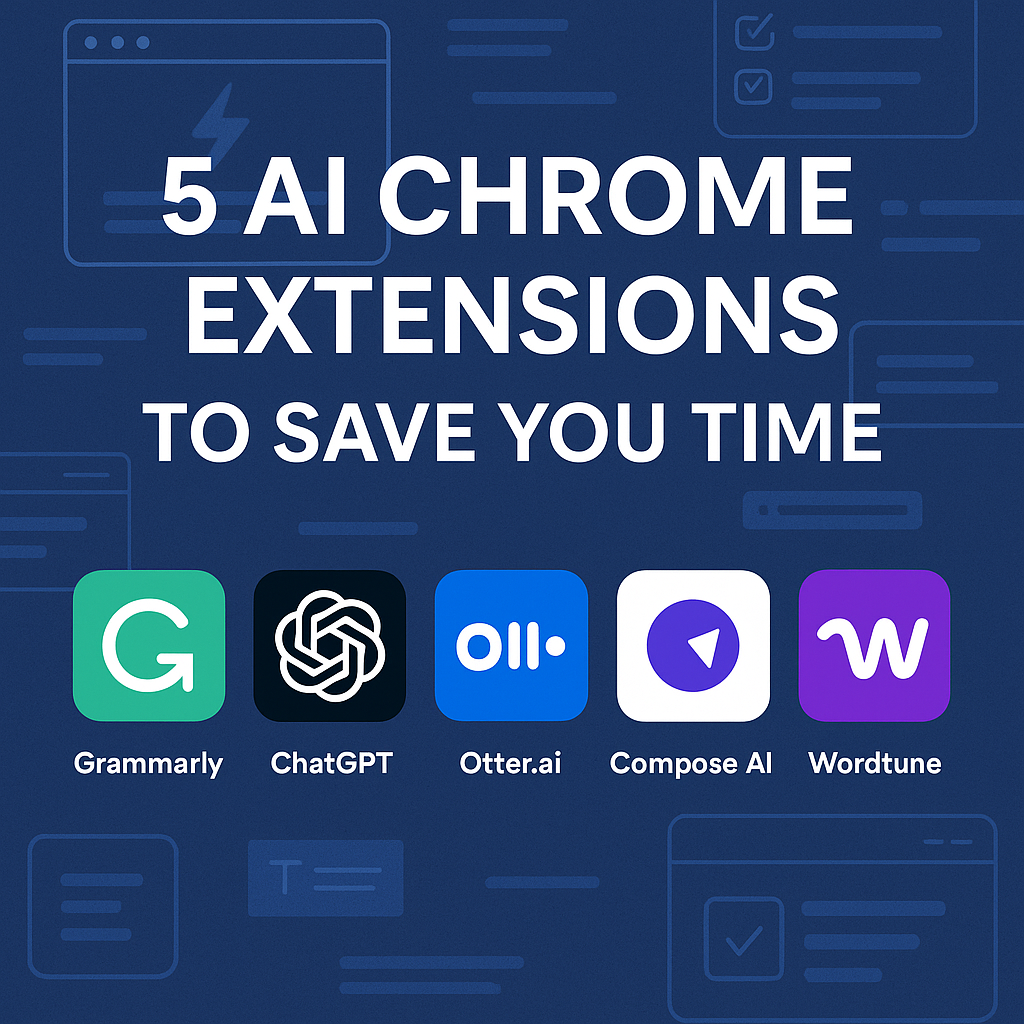
In this post, we’ll explore 5 AI Chrome extensions that can literally save you hours every single day, no exaggeration. Best of all? Most of them are free to use.
If you want to supercharge your workflow even further, check out our guide to the Best AI Writing Tools 2025 for more productivity boosters.
As Wired notes, AI-powered Chrome extensions are reshaping how we approach daily tasks in 2025.
1. Grammarly – AI Writing Assistant
Grammarly isn’t just a spellchecker anymore. It’s an advanced AI-powered assistant that corrects grammar, rewrites sentences, and suggests better word choices in real time.
🕒 Time Saved: No more second-guessing emails or reports. It polishes your content as you type.
💡 Bonus: It also integrates with Gmail, Docs, and LinkedIn.
👉 “Want to go beyond Chrome? Check out my guide on Everyday AI Tasks with ChatGPT to see how AI can save even more time.”
2. ChatGPT for Google – Instant AI Help While You Browse
This extension lets you access ChatGPT responses directly alongside your Google search results. You no longer need to visit the OpenAI site separately.
🕒 Time Saved: Answers complex queries or summaries instantly.
🔍 Use Case: Research, coding, brainstorming — all within one tab.
3. Otter.ai – Auto-Transcribe Any Tab
Otter.ai turns meetings, podcasts, or videos into live, searchable transcripts.
🕒 Time Saved: No more rewatching Zoom recordings or typing out meeting notes.
🎤 Cool Feature: It auto-detects and labels speakers during recordings.
4. Compose AI – Autowrite Anything
Compose AI is like autocomplete on steroids. It suggests entire phrases or sentences as you type — whether you’re writing an email, filling a form, or replying to DMs.
🕒 Time Saved: Cuts down writing time by 40% or more.
🛠️ Best For: Busy professionals, students, or marketers.
5. Wordtune – Rewrite, Summarize, or Shorten Text
Sometimes we just want our message to sound better. Wordtune is your personal AI editor that helps rewrite and rephrase content in different tones or lengths.
🕒 Time Saved: Revise large chunks of content in seconds.
✍️ Use Case: Rewording blog intros, crafting tweets, or simplifying reports.
🔄 Recap: Why These Extensions Matter
All five of these tools are free (with optional paid upgrades) and are Chrome-ready. Once installed, they begin working silently in the background, helping you write smarter, research faster, and multitask better — with minimal effort.
You don’t need 100 tools. Just the right 5.
✅ Try Them Out
Start with just one — like Grammarly or ChatGPT for Google — and gradually add the rest. Within a week, you’ll notice how much smoother your digital life becomes.
📥 Want more AI tips like this?
Join our free email list and get weekly productivity hacks straight to your inbox!
👉 Subscribe Here
Conclusion
Why AI Chrome Extensions for Productivity Are a Must in 2025
AI Chrome extensions for productivity are more than just handy add-ons—they’ve become essential for students, professionals, and businesses. By automating repetitive tasks like grammar correction, email drafting, summarising web content, and streamlining research, these extensions save valuable time every single day.
The true advantage is how seamlessly they integrate into daily workflows. With the right set of AI Chrome extensions for productivity, you can cut distractions, reduce stress, and focus on high-value work instead of small manual tasks. Whether you’re writing reports, collaborating with a team, or simply trying to stay organised, these tools act like a digital assistant inside your browser.
👉 If you’re not already using AI Chrome extensions for productivity, now is the best time to explore them. Even small improvements each day add up to hours saved every week.
Frequently Asked Questions: AI Chrome Extensions for Productivity
Q1: What are AI Chrome extensions for productivity?
A: AI Chrome extensions for productivity are browser add-ons powered by artificial intelligence that automate repetitive tasks, improve focus, manage emails, summarize content, and help you get more done in less time.
Q2: Are AI Chrome extensions safe to use?
A: Most well-known AI Chrome extensions are safe, especially if downloaded from the official Chrome Web Store. Always check reviews, permissions, and the developer’s reputation before installing.
Q3: Do I need to pay for AI Chrome extensions for productivity?
A: Many of the best AI Chrome extensions for productivity offer free versions with core features. Some also offer paid plans with advanced tools or integrations.
Q4: Can these extensions work with Gmail, Google Docs, or other popular tools?
A: Yes! Many top AI Chrome extensions are designed to integrate seamlessly with Gmail, Google Docs, YouTube, and other popular platforms—making productivity even easier.
Q5: What’s the easiest way to get started?
A: Simply visit the Chrome Web Store, search for the extension you want, and click “Add to Chrome.” After installation, follow the setup guide—most tools are user-friendly and require little configuration.
Q6: Will AI Chrome extensions slow down my browser?
A: Most modern AI Chrome extensions are optimized for performance and should not noticeably slow down your browser. However, running too many extensions at once can impact speed, so only keep the ones you use regularly.
Q7: Can I use AI Chrome extensions on other browsers?
A: Some AI Chrome extensions are available for browsers like Microsoft Edge or Brave, but always check the extension’s compatibility before installing.
Q8: What are the most popular AI Chrome extensions for productivity?
Some of the top extensions in 2025 include Grammarly, Jasper AI, QuillBot, ChatGPT for Chrome, and Compose AI. These tools streamline writing, editing, and task management.
Q9: Are AI Chrome extensions free or paid?
Many offer free basic versions. Premium versions unlock advanced features like unlimited usage, integrations with other apps, and priority support.
Q10: Can AI Chrome extensions work offline?
Most require an internet connection, but some, like Grammarly and Notion AI, have limited offline functionality. Always check extension details before installing.
Q11: How secure are AI Chrome extensions?
Reputable extensions from trusted developers are secure, but always review permissions. Avoid installing extensions that request unnecessary access to personal data.
Q12: How do AI Chrome extensions improve team productivity?
They allow teams to collaborate more effectively by providing instant grammar checks, content suggestions, and real-time editing. This reduces back-and-forth communication and saves hours weekly.
Disclaimer & Disclosure:
This article is for educational and informational purposes only. While AI Chrome extensions can enhance productivity, results vary depending on individual usage and goals.
Some of the links in this post may be affiliate links. If you choose to click and purchase, we may earn a small commission at no extra cost to you. These commissions help support our blog and allow us to keep producing free, helpful content.
We do not guarantee identical outcomes for all users. Always review extension permissions and privacy policies before installing, and avoid granting unnecessary access to sensitive data. The inclusion of a product or service does not imply endorsement, and we are not responsible for third-party content, policies, or practices.
By using this website and its resources, you acknowledge that you are responsible for your own choices and actions. We disclaim liability for any issues, losses, or damages that may arise from the use of AI Chrome extensions discussed here.